Choose what to save
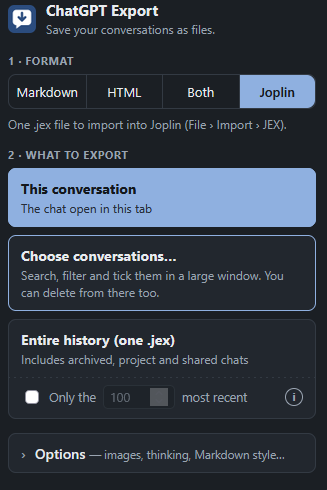
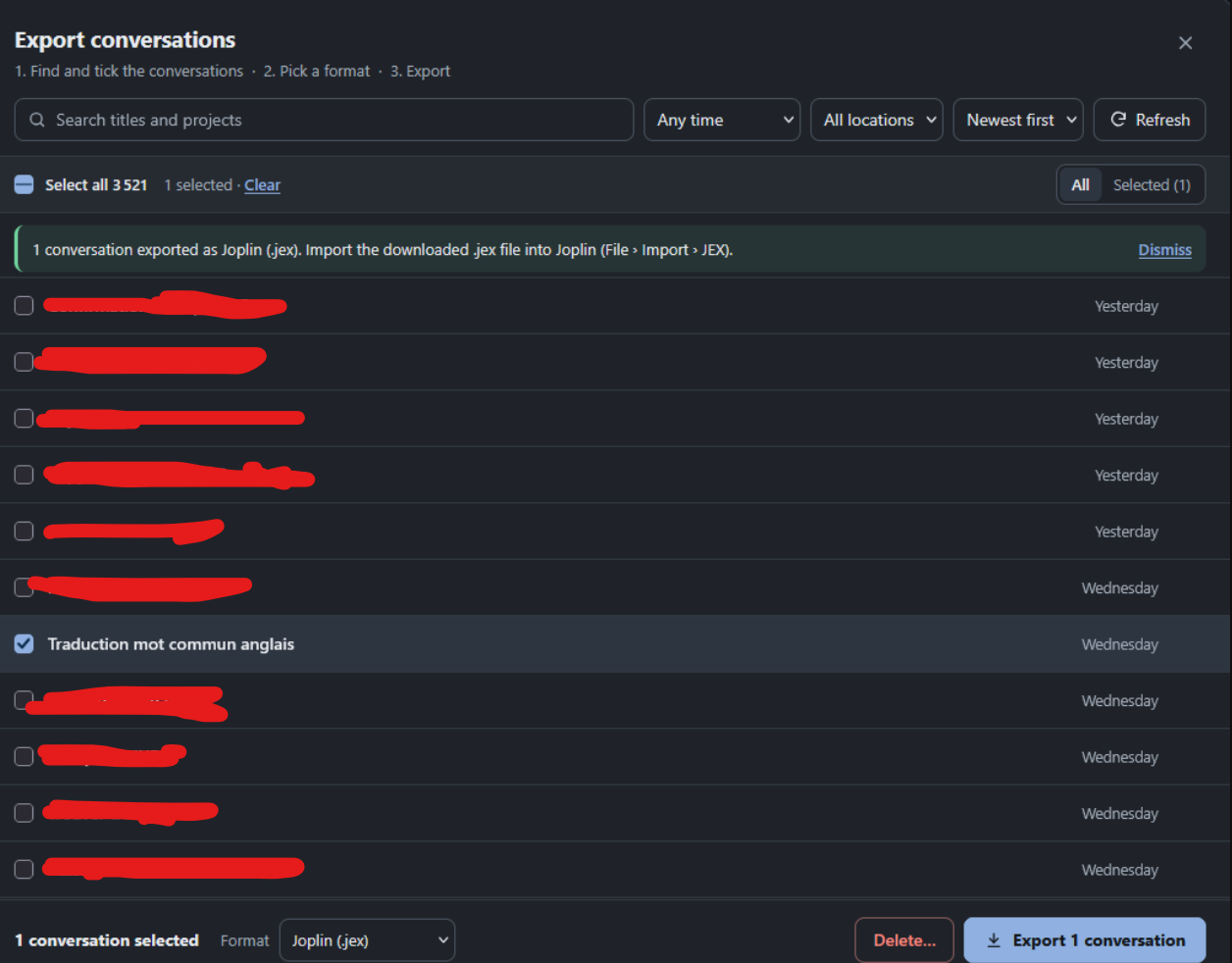
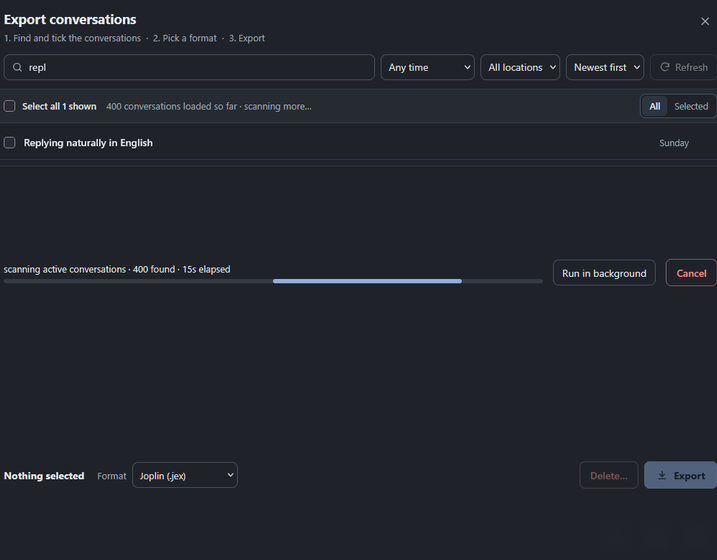
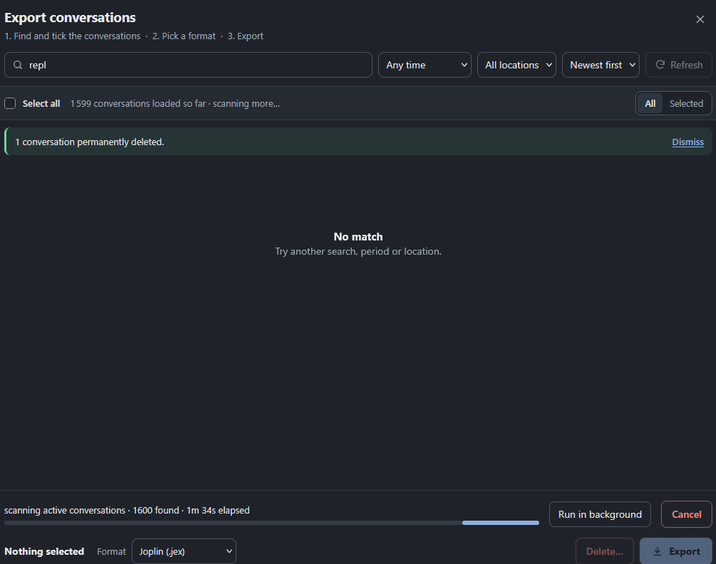
Export the open chat, selected conversations, or accessible history. Search and filter conversations before choosing.
 AI Archive
Export ChatGPT conversations into durable, searchable formats you can keep, read, and move between tools. Everything is prepared in your browser and is not uploaded to an export service.
Currently supports ChatGPT in Firefox and Chromium-based browsers. Support for other AI platforms may be considered in the future; it is not available yet.
Export the open chat, selected conversations, or accessible history. Search and filter conversations before choosing.
Save Markdown, HTML, or a JEX notebook for Joplin. ZIP exports can include media, attachments, metadata, and a searchable index.
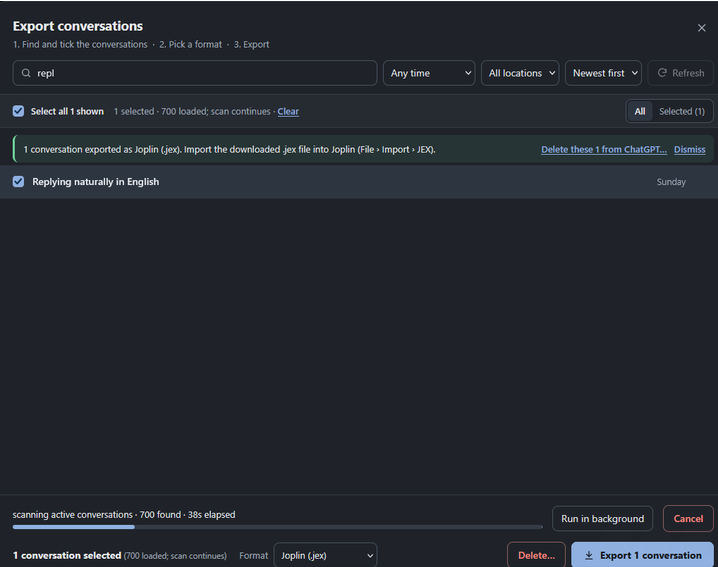
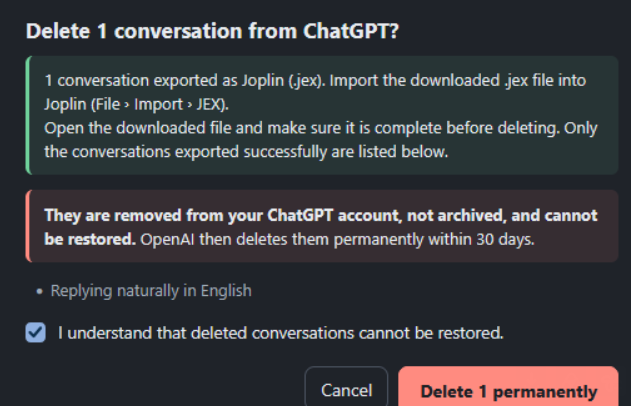
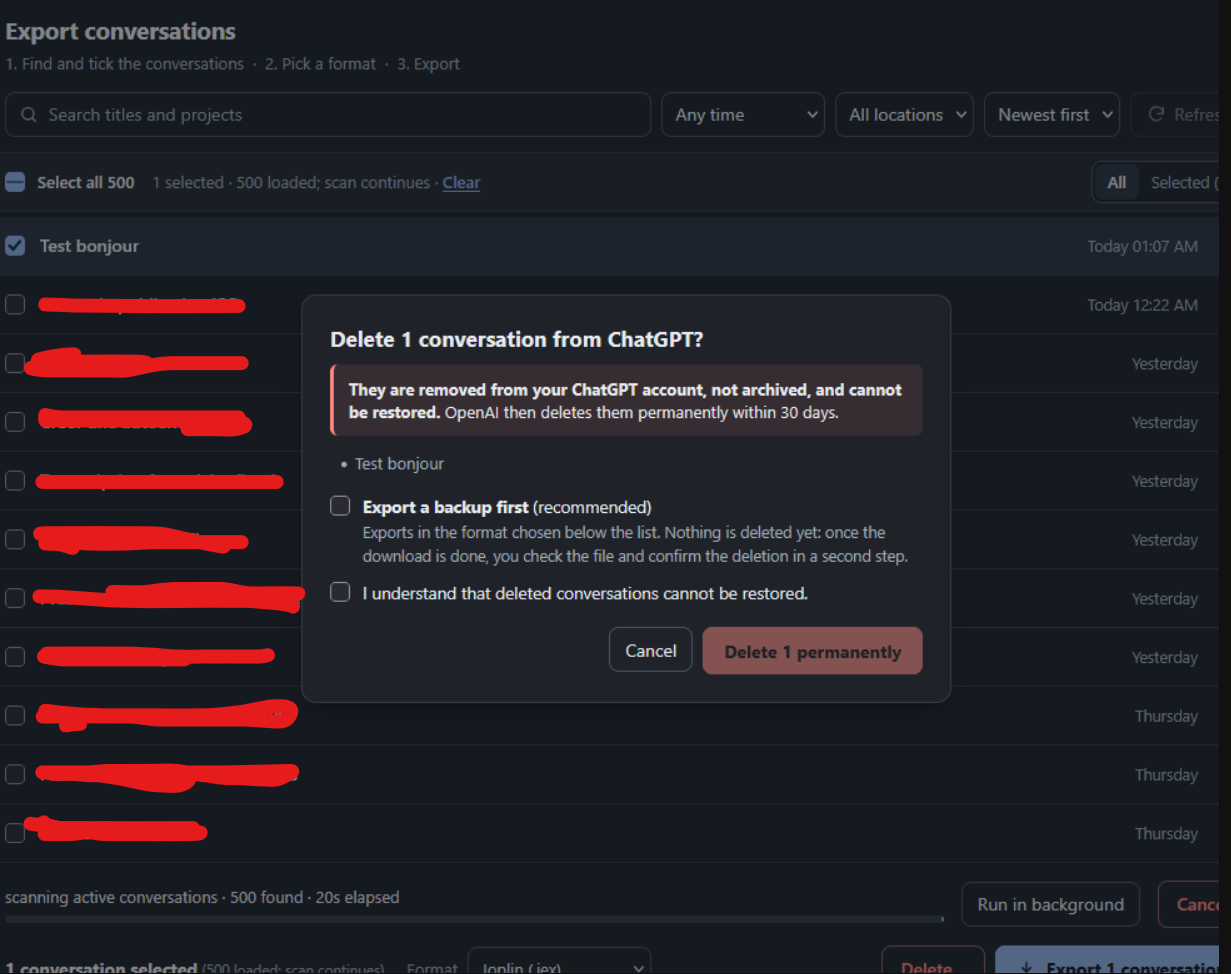
Exports are assembled locally. Deletion is always a separate, explicit action; a deletion request may take up to 10 minutes to disappear from ChatGPT history.
Choose a conversation, export it in your preferred format, and optionally delete it only after checking your backup.

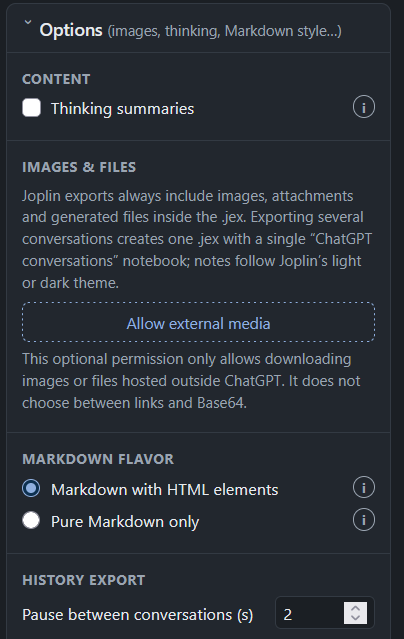
The extension does not send conversation data to its developer or an export server. It reads data from your signed-in ChatGPT session to create the files you request. Optional external-media access is only used when you choose to fetch images or files hosted outside ChatGPT.
Read the full privacy policy →The project is developed in the open. Report bugs or suggest improvements on GitHub, or email support.